Every web agency eventually faces a moment of truth: your own website no longer represents what you can do. For us, that moment came when we realized our WordPress site—built quickly years ago—was actively hurting our business.
This is the story of how we rebuilt hrefcreative.com from the ground up using Next.js and Sanity CMS. No sugarcoating, no inflated claims—just what actually happened and what we learned.
The Problem: A WordPress Site That Aged Poorly
Our original site was a classic MVP. Built fast to establish an online presence, it used WordPress with a premium theme and a handful of plugins. At first, it worked fine. But over time, problems compounded:
Performance kept getting worse. Every plugin we added created more database calls. Every theme update risked breaking something. Mobile performance was particularly bad—Lighthouse scores hovered around 45-50.
Content management became a chore. The WordPress editor felt clunky. Adding new pages meant navigating a maze of settings, custom fields, and template options. Simple updates took longer than they should.
Security overhead was constant. WordPress sites are prime targets for attacks. We spent hours every month on updates, security patches, and plugin conflicts.
SEO limitations emerged. The site structure had grown organically without any real strategy. Crawl efficiency suffered, and our average search position reflected it.
The design felt dated. What looked modern in 2020 felt tired by 2025. But redesigning within WordPress's constraints would only solve half the problem.
The math was clear: patching the old site would cost more time and energy than building something new.
The Decision: Why Next.js and Sanity
We evaluated several options:
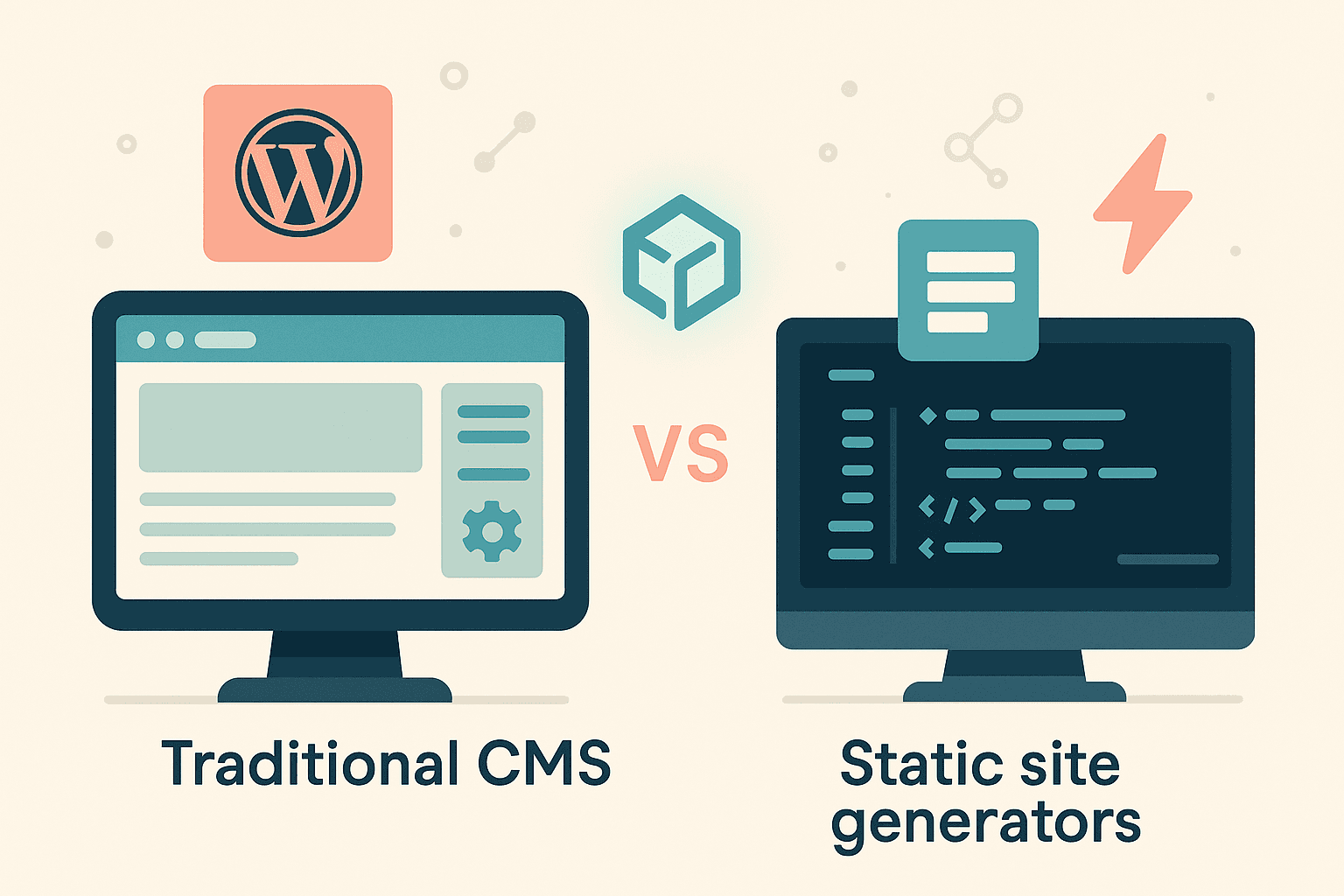
- New WordPress theme — Quickest, but wouldn't fix underlying performance issues
- Headless WordPress — Better performance, but still WordPress maintenance overhead
- Full custom build with Next.js — Most work upfront, best long-term payoff
- Static site generator (11ty, Astro) — Great for simple sites, but we needed a CMS
We chose Next.js for the frontend because:
- React is what we already use for client projects
- App Router provides excellent SEO capabilities out of the box
- Vercel hosting gives us global CDN with zero configuration
- The ecosystem is mature and well-documented
For the CMS, we went with Sanity over Contentful or Strapi because:
- Real-time collaboration built in (useful as the team grows)
- GROQ query language is incredibly powerful
- Flexible schema definition in code (version controlled)
- Generous free tier for small projects
- We already use it for several client projects
The Build: What Actually Happened
Week 1: Architecture and Schema
We started with content modeling. What types of content did we actually need?
- Blog posts (obviously)
- Service pages
- Portfolio case studies
- Team information
- Testimonials
- Page sections (flexible content blocks)
Defining schemas in Sanity took about two days. The advantage of schema-as-code is that we could version control everything and test locally before deploying.
Week 2: Design System
Rather than design page-by-page, we built a component library first. We chose:
- Tailwind CSS for styling (fast, maintainable, matches our workflow)
- Custom components for buttons, cards, forms, navigation
- Dark theme (our signature "Deep Ocean" palette)
This approach paid off immediately. Once the components were built, assembling pages became almost trivial.
Week 3: Core Pages
With the design system in place, we built the main pages:
- Homepage with dynamic sections
- Service pages
- Blog listing and individual post pages
- Portfolio with case study templates
- Contact and about pages
Next.js App Router made routing straightforward. Dynamic routes for blog posts and portfolio items required minimal configuration.
Week 4: Content Migration
This was the tedious part. We had 150+ blog posts in WordPress that needed to move to Sanity. Options:
- Migrate everything automatically
- Migrate selectively
We chose selective migration. Many old posts were thin content or off-brand topics. We migrated only the 30-40 posts that still aligned with our positioning, then rewrote or improved them in the process.
Lesson learned: A migration is a perfect opportunity to audit and improve your content.
Week 5: Launch and Optimization
Launch was anticlimactic—in a good way. Vercel's deployment process is simple: push to main branch, site updates in seconds.
Post-launch optimization included:
- Image optimization (Next.js Image component)
- Font loading strategies
- Preloading critical resources
- Fixing any CLS issues
The Results: Real Numbers
Here's what changed after the rebuild:
Lighthouse Scores (Mobile)
| Metric | Before (WordPress) | After (Next.js) |
|---|---|---|
| Performance | 45 | 91 |
| Accessibility | 72 | 100 |
| Best Practices | 83 | 100 |
| SEO | 85 | 100 |
Core Web Vitals
| Metric | Before | After |
|---|---|---|
| First Contentful Paint | 3.2s | 1.0s |
| Largest Contentful Paint | 5.8s | 1.5s |
| Total Blocking Time | 1,200ms | 380ms |
| Cumulative Layout Shift | 0.15 | 0 |
Operational Improvements
- Page load time: 60% faster on average
- Time to publish content: From 15+ minutes to under 5 minutes
- Security incidents: Zero (vs. 3-4 plugin vulnerabilities per year)
- Hosting cost: Reduced (Vercel free tier vs. managed WordPress)
What Went Wrong (Honest Assessment)
No project is perfect. Here's what didn't go smoothly:
We underestimated content migration time. Even migrating selectively, cleaning up and reformatting content took longer than planned. Budget at least 50% more time than you think.
Some features got cut. Our original plan included a client portal and project management integration. These got pushed to phase 2 (and honestly, we may never build them).
Learning curve with Sanity. While Sanity is powerful, it's different from WordPress. The first few weeks involved a lot of documentation reading and trial-and-error with GROQ queries.
SEO temporarily dropped. Despite proper redirects, we saw a 2-3 week dip in organic traffic while Google re-indexed the new site structure. This recovered and then improved.
What We'd Do Differently
If we rebuilt the site again:
- Start with content strategy first. We should have audited our content before touching any code.
- Build the CMS schema more carefully. We've already refactored our Sanity schema twice.
- Set up analytics from day one. We waited too long to properly configure GA4 and Search Console.
Was It Worth It?
Absolutely.
The site now represents what we can actually build. When we pitch modern tech stacks to clients, we can point to hrefcreative.com as proof that we practice what we preach.
More importantly, the operational improvements compound daily. Faster content publishing, zero security maintenance, and a codebase that's genuinely pleasant to work in.
What This Means for You
If you're considering a similar migration—from WordPress to a modern stack—here's our honest advice:
It's not for everyone. If your WordPress site performs well and your team knows it, a migration might not be worth it. Fix what's broken, don't rebuild what works.
The payoff is long-term. You won't see immediate ROI. The benefits accumulate over months and years through faster iterations, lower maintenance costs, and better performance.
Get the content right first. Technology won't fix bad content or unclear positioning. Start there before touching code.
Interested in a Similar Approach?
We build modern websites using the same stack we used for our own site. If you're curious about whether Next.js, headless CMS, or a similar approach makes sense for your business, let's talk.
We're also accepting Portfolio Partnership applications—a fair trade where select businesses get a professionally built website in exchange for becoming a portfolio piece.
Have questions about our rebuild? Reach out and we'll share more details about our process.